Do not open every box at once
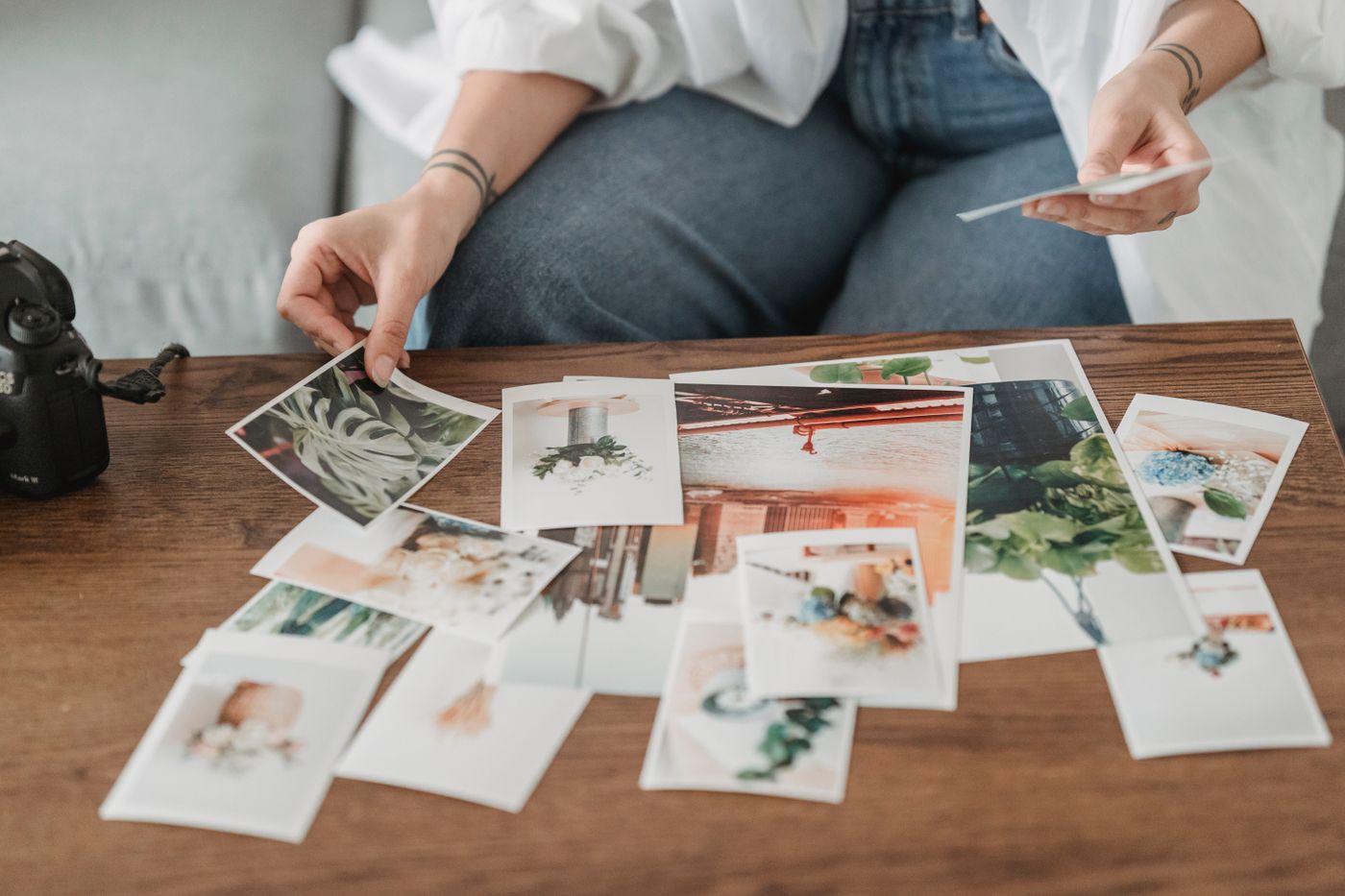
Choose one manageable batch: an envelope of prints, a month of files or a single occasion. Prepare a clean, dry surface and keep food and drinks elsewhere. For digital images, confirm that a backup exists before deleting anything. Sorting is not the right moment to test synchronisation settings you do not understand.
Create three simple groups: keep, check and set aside. The middle category prevents every uncertain face or date from stopping progress. Handle old or fragile prints by their edges. Do not try to detach a photograph stuck to another surface without appropriate preservation advice, because a quick attempt can cause irreversible damage.
On a computer, begin with a small working copy rather than moving the whole library. Check what deletion does on synchronised devices. If a setting is unclear, pause deletion and consult the service documentation. Slower sorting is preferable to losing the only available copy. Do not treat a visible thumbnail as proof that the original file is safely stored.
Separate duplicates from preferences
Two identical files may be duplicates, but similar photographs can contain different details. Examine them before using automatic deletion. In a group, ask whether an image matters to someone even when it looks technically imperfect to you. An expression or person in the background may explain the preference.
Record known names and dates separately or in suitable metadata rather than writing on the face of a print. Mark uncertainty honestly instead of converting a guess into a fact. If nobody recognises a scene, leave a question for later investigation rather than extending discussion until everyone is tired. You can return to the uncertain group after easier decisions are complete.
Finish with a system people can use
Store selected prints in suitable containers or files in clearly named folders. Avoid a classification so detailed that nobody can continue it. A year followed by an event is often enough to begin. Check that important images remain accessible after moving them.
Allow time and confirm agreement before permanent deletion or destruction of prints. Keep private images out of openly shared spaces. End the session when planned even if the batch is unfinished. A small selection properly stored is more useful than every box left open in the living room for several weeks.
Test digital organisation by opening several files in their new location and searching for an event name. This shows whether the system genuinely improves retrieval. Keep a separate backup rather than treating two folders on one device as protection against every failure. Choose a backup method suited to the collection's importance and verify that restoring a sample works.