Limit the scope
Open only the photographs from the last few days. The aim is not to catch up with years of archives in one session. Choose up to five images that make you want to return to a moment: an outing, a detail at home, a meal or a person. There may be only one; the number is a limit, not a quota.
Look at near-identical sequences and retain the image that best tells what you want to remember. Do not hurriedly delete the rest, especially if they matter to someone else. You can make an album selection without altering originals. Understand your application's behaviour before deleting anything, particularly when it synchronises across devices.
Add missing context
A short title or caption can identify a place, date or activity. Avoid turning every photograph into a long account. The useful detail is something you might forget. Respect people's preferences about identification and sharing; a private selection need not become a public post.
Create an album with a clear name, perhaps the year and month. If using folders, choose a stable logic rather than a different system every week. A temporary favourite marker can be a first step, but know where the selected images will ultimately be found. Keep the arrangement simple enough to repeat without consulting instructions.
Selection is not a substitute for backup. Make sure important originals are retained through a method you understand, and occasionally check that they can be opened. Synchronisation may reproduce a deletion; do not automatically confuse it with an independent copy.
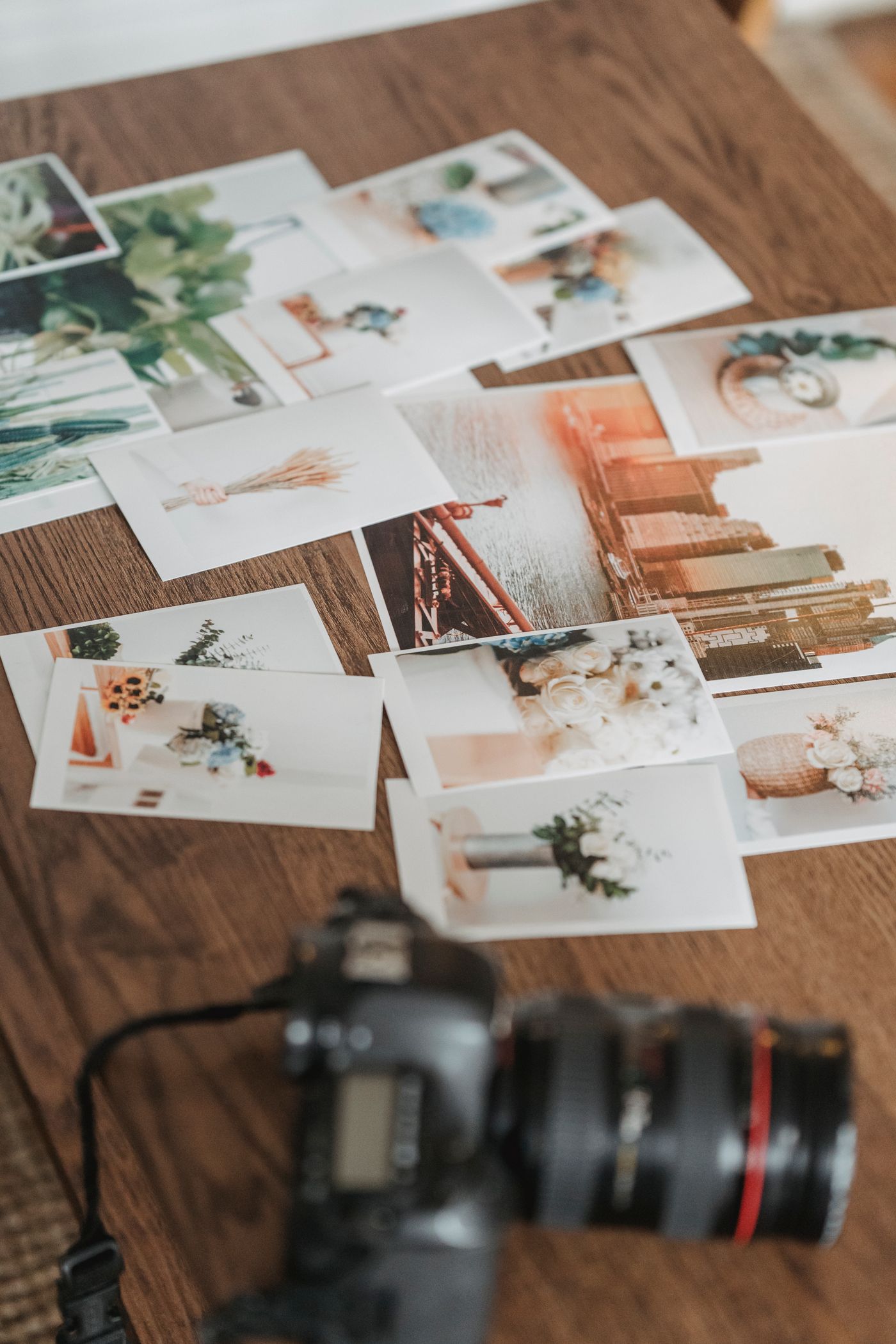
After a month, look at the collection. You might print a few images or simply retain the digital album. If a weekly session feels too frequent, move to a monthly one. This habit is valuable for making memories easier to find, not for maintaining a perfect calendar or publishing a particular number of pictures. Stop when the selection is clear rather than continuing to compare almost identical versions indefinitely.